
Small businesses across the UK are embracing AI to save time, boost productivity, and reduce admin overload. But security experts are raising a red flag: employees may be unintentionally pasting sensitive information into ChatGPT, unaware that the data could be retained or logged unless specific privacy settings are adjusted.
This isn’t a hypothetical risk — it’s already happening. A study reported by The Register found that 77% of enterprise AI users paste data into chatbots, and 22% of those pastes include sensitive information such as personal identifiers or payment card details. For small businesses without dedicated IT teams, this creates a serious vulnerability.
How Confidential Data Ends Up in ChatGPT
Security researchers describe a common pattern:
- An employee is rushing to finish a proposal
- They paste a customer’s details into ChatGPT for help rewriting it
- Or they upload a spreadsheet containing financial data to “clean it up”
- Or they paste internal notes to summarise them
In each case, the employee thinks they’re being efficient — but they may be exposing confidential information to an external system.
Experts warn that unless users disable chat history or opt out of data training, ChatGPT may store or log the information as part of its normal operation. This is especially risky for small businesses handling customer data, invoices, contracts, or personal information.
Why Copilot Chat Is a Safer Choice for Small Businesses
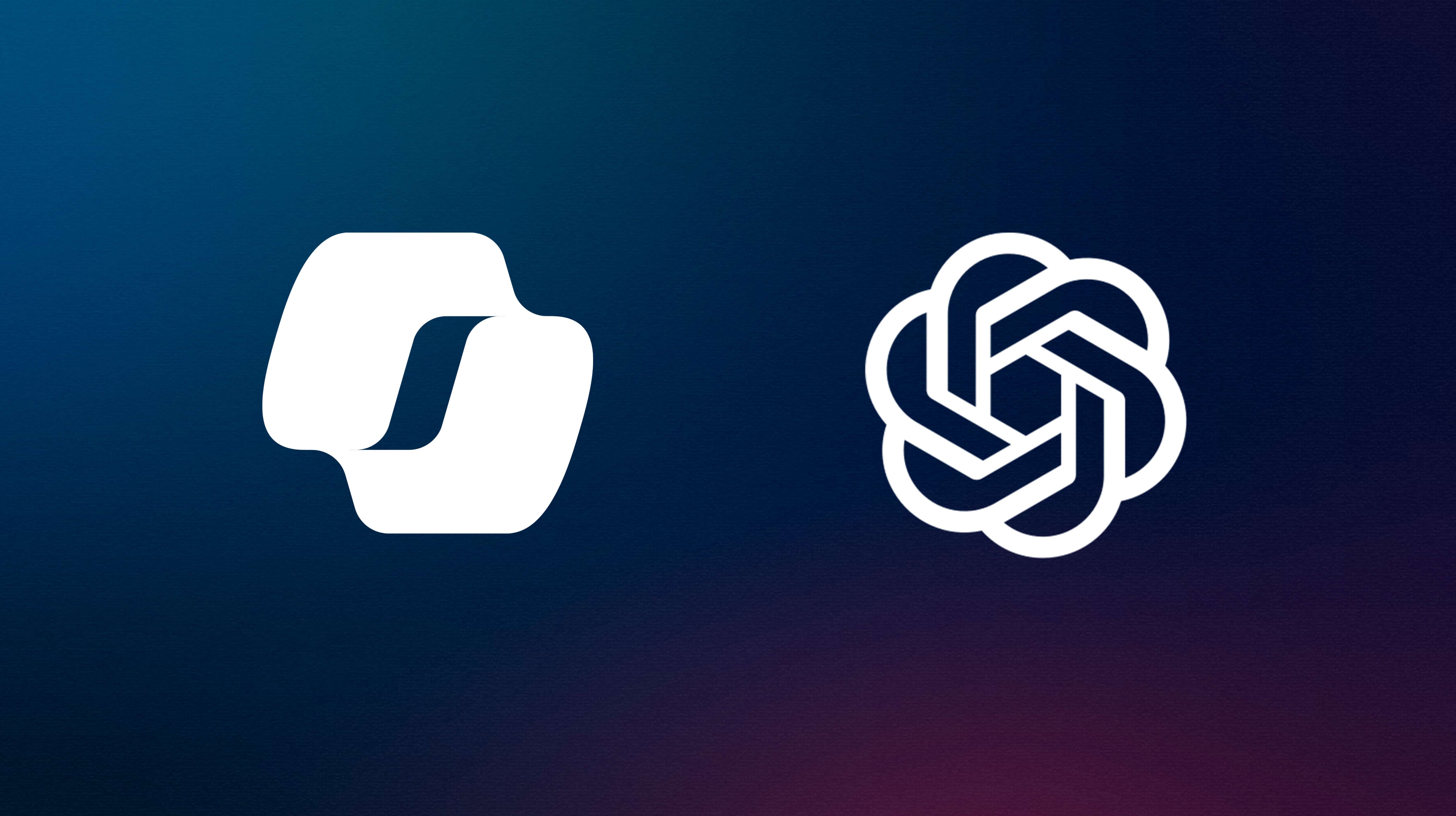
While ChatGPT is powerful, it operates outside your business environment. Copilot Chat, on the other hand, is built inside the Microsoft ecosystem — the same one your business likely already uses for email, documents, and collaboration.
Here’s why that matters:
- Your data stays within Microsoft’s secure cloud
Copilot Chat uses the same enterprise‑grade protections that secure Outlook, Teams, and OneDrive. This means your data is handled under Microsoft’s strict compliance framework.
- No training on your business data
Microsoft states that your prompts and content are not used to train the underlying models, reducing the risk of unintended data exposure.
- Identity and access controls are built in
Because Copilot Chat uses your Microsoft 365 login, access is automatically governed by your existing security policies.
- Employees don’t need to change settings to stay safe
Unlike ChatGPT, where users must manually adjust privacy settings, Copilot Chat inherits your organisation’s security posture by default.
A Practical, Safer Path for Small Businesses
Small businesses often lack the resources for complex cybersecurity setups. That’s why experts recommend choosing tools that fit naturally into your existing secure environment. Copilot Chat gives your team the benefits of AI quick answers, summaries, drafting help — without the risk of employees accidentally leaking sensitive data to external systems.
For deeper productivity features like drafting emails, analysing spreadsheets, or summarising meetings, upgrading to Copilot for Microsoft 365 adds even stronger protections and full integration with your business data. If you would like more information about Copilot for Microsoft 365 and how best to upgrade give us a call at Sprint Integration.