

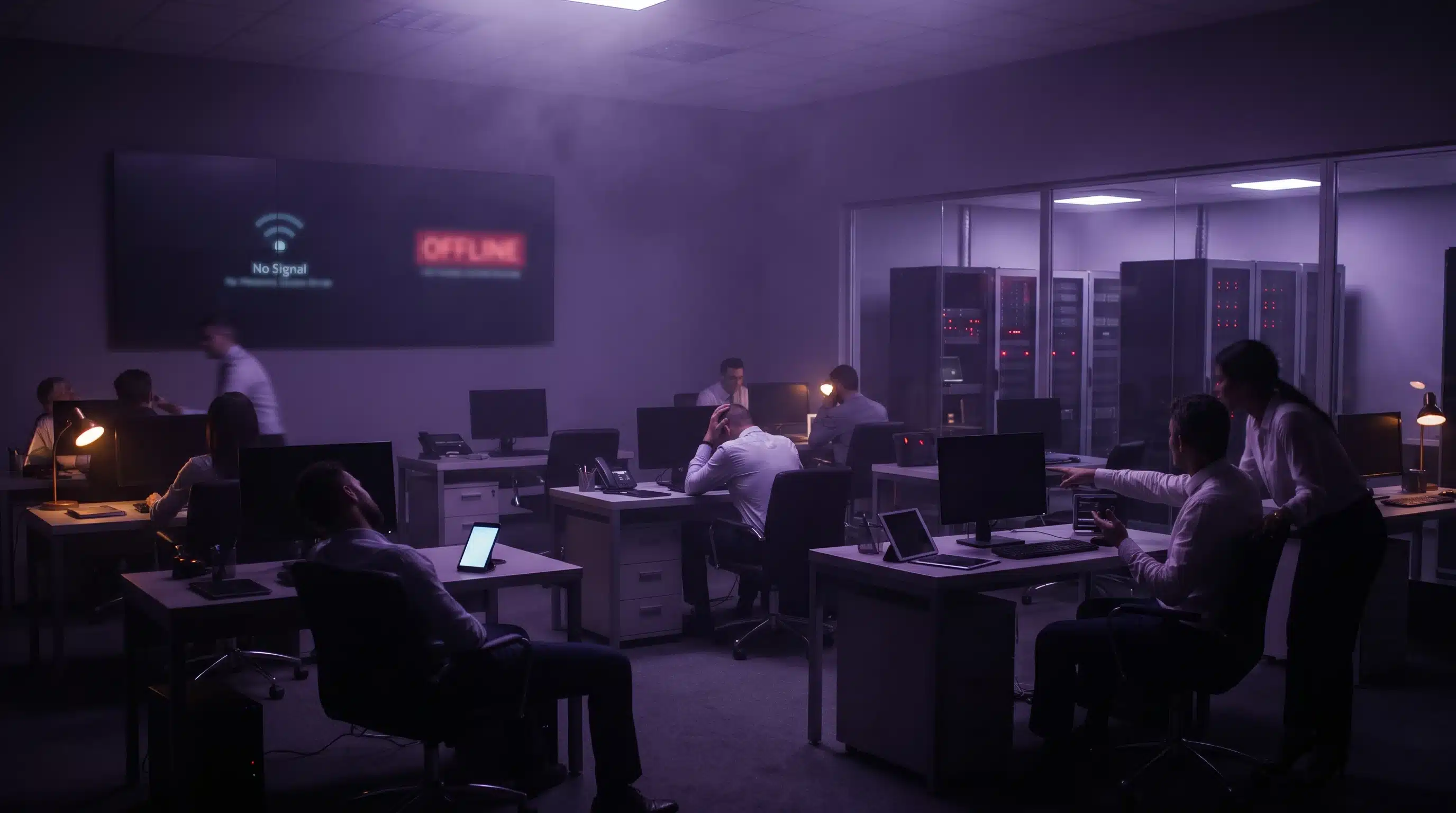

Imagine arriving at work on a Monday morning to discover that your entire IT system has stopped working.
Emails are inaccessible. Employees cannot open important files. Customer enquiries go unanswered, and your team cannot access the software they rely on.
Now imagine that disruption lasting an entire day.
Could your business survive 24 hours of IT downtime without losing money, customers or productivity?
For small and medium-sized businesses across the UK, even a few hours of unexpected IT disruption can create serious operational challenges.
Whether caused by hardware failure, cyberattacks, network problems or software outages, IT downtime can affect almost every part of a business.
Understanding the risks and having reliable Managed IT Support can make a significant difference.
What Is IT Downtime?
IT downtime occurs when technology systems, applications or networks become unavailable, preventing employees from completing their normal work.
Common causes include:
- Hardware failures: Servers, computers or networking equipment stop working.
- Cyberattacks: Ransomware or other malicious activity disrupts business systems.
- Internet outages: Connectivity problems prevent access to online services.
- Software failures: Critical applications crash or become unavailable.
- Human error: Accidental changes or deleted files interrupt operations.
Even businesses using cloud-based services can experience downtime due to connectivity issues, account problems or service disruptions.
The real concern is not simply that technology stops working. It is how quickly that failure affects business operations.
What Happens During 24 Hours of IT Downtime?
First Hour: Employees Cannot Work Normally
When systems suddenly become unavailable, employees may lose access to email, shared files, business applications and customer records.
Teams begin contacting managers or IT support, attempting to identify the problem.
For businesses without reliable technical support, even understanding the cause of the disruption can take valuable time.
Meanwhile, productivity starts to decline.
After 4 Hours: Customer Service and Operations Suffer
As downtime continues, the impact becomes more noticeable.
Customer enquiries may remain unanswered, orders could be delayed, and employees may struggle to complete essential tasks.
Businesses relying on Microsoft 365, cloud applications or digital communication tools may find daily operations increasingly difficult.
For professional services firms, manufacturers and logistics businesses, interruptions can quickly affect deadlines and customer commitments.
After 8 Hours: Financial Losses Begin to Increase
A full working day without reliable IT can create significant financial pressure.
Employees may be unable to complete billable work, process transactions or respond to important customer requests.
Delayed projects and missed opportunities can also affect revenue.
The financial impact depends on business size, industry and the systems affected.
However, even a relatively short outage can become expensive when multiple employees are unable to work.
After 24 Hours: Business Continuity Is at Risk
If critical systems remain unavailable after 24 hours, businesses may face growing operational and financial consequences.
Customer confidence can decline, important deadlines may be missed, and recovery costs can increase.
If the outage involves a cyberattack or data loss, restoring normal operations may take considerably longer.
The question is no longer just when your IT will be fixed. It is how much disruption your business can afford.
How Much Could IT Downtime Cost Your Business?
Many businesses underestimate the true cost of IT downtime.
The financial impact extends beyond repairing a broken server or replacing damaged equipment.
Consider a business with 30 employees earning an average of £20 per hour.
If every employee loses four productive hours because of an IT outage, the direct productivity cost would be:
30 employees × £20 × 4 hours = £2,400
If the disruption continues for eight hours, that figure increases to £4,800.
These are illustrative staff-cost calculations, not estimates of total financial loss. Actual costs depend on how much work is affected and whether employees can continue with alternative tasks.
Additional expenses may include lost sales, missed deadlines, emergency IT repairs and customer dissatisfaction.
For some businesses, the total financial impact can be considerably higher.
5 Ways to Reduce the Risk of IT Downtime
1. Invest in Proactive IT Monitoring
Waiting until technology fails can lead to unnecessary disruption.
Proactive IT monitoring helps identify potential problems before they develop into major failures.
Monitoring system performance, storage capacity, security alerts and device health can help businesses address issues earlier.
Professional Managed IT Support can help organisations maintain reliable IT systems and reduce avoidable downtime.
2. Maintain Reliable Data Backups
Data loss can make an IT outage significantly more damaging.
Businesses should maintain secure backups of critical files, applications and business information.
However, simply having backups is not enough.
Backups should be tested regularly to confirm that information can be restored when needed.
The National Cyber Security Centre provides guidance on protecting business data through effective backup practices.
3. Keep Software and Hardware Updated
Outdated technology can increase the likelihood of system failures and security vulnerabilities.
Businesses should regularly update operating systems, applications and network equipment.
Replacing ageing hardware before it fails can also reduce unexpected interruptions.
A proactive IT maintenance plan helps keep business technology secure and reliable.
4. Create a Business Continuity Plan
A business continuity plan explains how essential operations will continue during an unexpected disruption.
It should identify critical systems, employee responsibilities, alternative communication methods and recovery procedures.
Businesses should also determine how long they can operate without essential technology.
The UK Government’s business continuity guidance provides useful information about preparing for operational disruptions.
5. Work with a Reliable IT Support Provider
When IT problems occur, access to experienced technical support can make a significant difference.
A reliable IT support provider can help investigate issues, restore affected systems and reduce unnecessary disruption.
For UK SMEs without an internal IT department, outsourced Managed IT Support provides access to technical expertise and ongoing system maintenance.
Why Managed IT Support Matters for UK Businesses
Many businesses only contact IT support when something stops working.
However, reactive support can leave organisations exposed to preventable disruptions.
Managed IT Support focuses on maintaining, monitoring and supporting business technology before problems become serious.
At Sprint Integration, we help businesses reduce IT risks through proactive monitoring, technical support, cyber security services and reliable IT management.
With over 25 years of experience, our UK-based engineers support businesses across Essex, Billericay, London and the South East.
Our services include:
- Managed IT Support
- Managed Cyber Security Services
- Backup and Disaster Recovery
- Microsoft 365 Support
- Email Security
- Managed Detection and Response
Whether you need IT support in Essex, IT support in Billericay or IT support in London, our team can help you identify potential weaknesses and improve the reliability of your IT systems.
Could Your Business Recover from an IT Outage?
Unexpected IT downtime can happen to any business.
The difference is how prepared your organisation is to respond.
Businesses with reliable backups, proactive monitoring and clear recovery procedures are generally better positioned to manage disruptions.
Don’t wait for a major IT failure to discover weaknesses in your systems.
Book Your Free IT Health Check Worth £950
Not sure how well your business is protected against IT downtime?
Sprint Integration offers a Free IT Health Check worth £950 to help UK businesses identify potential IT risks.
Our experienced engineers review key areas of your IT environment and provide a written report with prioritised recommendations.
Take the first step towards more reliable and secure business technology.
Book Your Free IT Health Check
Frequently Asked Questions
1. What is the most common cause of IT downtime?
IT downtime can result from hardware failures, software problems, cyberattacks, network outages and human error. The most common cause varies depending on a business’s infrastructure and industry.
2. How much does IT downtime cost a small business?
The cost depends on the number of affected employees, outage duration, lost productivity and operational impact. Businesses should calculate their potential downtime costs to understand their financial exposure.
3. Can Managed IT Support prevent downtime?
Managed IT Support can reduce avoidable downtime through proactive monitoring, regular maintenance and early problem detection. However, no IT service can guarantee that outages will never occur.
4. How can businesses recover quickly from IT downtime?
Businesses should maintain tested backups, establish recovery procedures, monitor critical systems and ensure reliable technical support is available.
5. Does Sprint Integration provide IT support in Essex and London?
Yes. Sprint Integration provides Managed IT Support and cyber security services for businesses across Essex, Billericay, London and the South East.