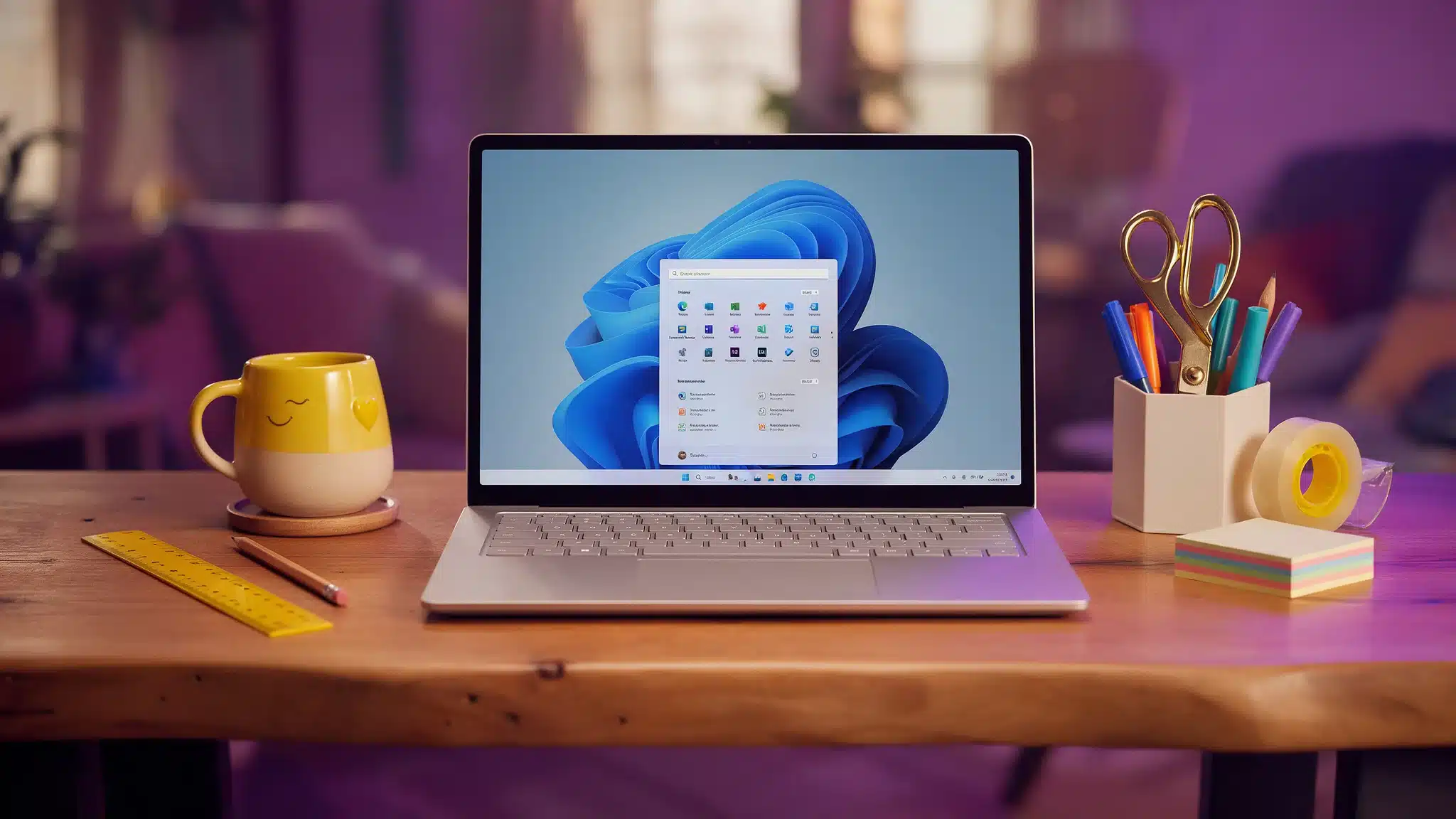

Microsoft has officially released Windows 11, version 26H2, also known as the Windows 11 2026 Update. General availability began on 29 September 2026.
The release continues Microsoft’s move towards smaller, simpler updates that keep businesses secure and productive without the disruption of a major upgrade.
For organisations already on Windows 11, the move to 26H2 should be quick and painless. But, as with any Microsoft release, it pays to understand how the rollout works before you deploy it across your business.
What Is Windows 11 26H2?
Windows 11, version 26H2 is Microsoft’s latest annual feature update. It shares the same foundation as versions 24H2 and 25H2, and brings together features already introduced gradually through monthly updates.
Rather than a full reinstall, 26H2 is delivered as an enablement package on eligible devices running 24H2 or 25H2. Most of the code is already on your machines, so the update simply switches it on.
The result:
- Faster installation
- Smaller downloads
- Less downtime for users
- A single restart in most cases
For businesses, that means far less disruption when rolling it out across multiple devices.
Why the Timing Matters
Windows 11 24H2 Home and Pro editions reach end of updates on 13 October 2026. After that, those devices stop receiving security updates.
Upgrading to 26H2 resets the support clock:
- Home and Pro: 24 months of support
- Enterprise and Education: 36 months of support
If any of your devices are still on 24H2 Home or Pro, now is the time to plan the move.
New Features and Improvements
26H2 isn’t a redesign, but it brings a set of usability, security and productivity improvements developed over the past year.
Improved security
Stronger protection against modern cyber threats and better support for securely managing business devices.
Enhanced File Explorer
Improvements that make navigation and everyday file management quicker and more intuitive.
Better taskbar integration
New app-specific taskbar actions give users faster access to common functions.
Windows settings backup
Easier backup of supported settings and app lists, which helps when replacing devices or recovering from hardware failure.
Reliability improvements
Performance fixes and quality enhancements for better overall stability.
Individually, these changes are modest. Together, they make for a more secure and efficient working environment.
Understanding the Phased Rollout
Windows 11 26H2 is being released through a controlled rollout, so not every eligible device will get it straight away.
Microsoft monitors compatibility data and expands availability gradually. Devices with known compatibility concerns may be held back until the issue is fixed. These are called safeguard holds.
That means you may see:
- One computer receive the update while another doesn’t
- The update appear weeks later on some devices
- Certain systems temporarily blocked due to hardware or software compatibility
This approach helps Microsoft catch problems early. For IT teams, patience pays off. Just because an update is available doesn’t mean you should push it to every device on day one.
Should Businesses Upgrade Straight Away?
For most organisations on Windows 11, 26H2 should be a straightforward upgrade. Microsoft is still tracking a small number of known issues, including one affecting some domain-joined devices, so a measured approach is sensible.
Before rolling out, businesses should:
- Test the update on a small pilot group first
- Check critical applications remain fully compatible
- Make sure backups are in place
- Review any line-of-business software dependencies
- Check Microsoft’s 26H2 known issues page before wider deployment
A controlled rollout remains best practice for businesses of every size.
How to Check for the Update
To see if 26H2 is available on a device:
- Open Settings
- Select Windows Update
- Turn on Get the latest updates as soon as they’re available
- Click Check for updates
If the device is eligible and no safeguard holds apply, 26H2 will download and install. Microsoft’s guide on how to get the Windows 11 2026 Update has full details.
How Sprint Integration Can Help
Windows updates are essential for security, compliance and business continuity, but they also raise questions about compatibility, planning and user disruption.
We provide managed IT support in London, Essex and the South East, helping businesses plan, manage and deploy Microsoft technologies with confidence. We can help with:
- Windows 11 readiness assessments
- Hardware and compatibility reviews
- Microsoft 365 and Windows security best practices
- Deployment planning and testing
- Fast IT helpdesk support for users after upgrades
- Ongoing IT management and monitoring
Not sure if your devices are ready? Book a free IT Health Check and we’ll review your setup.
Final Thoughts
Windows 11 26H2 is another step in Microsoft’s push for regular improvements with minimal disruption. The phased rollout means some devices may wait a little longer, but it helps make sure the upgrade is smooth and reliable for everyone.
Need Help With Your Windows 11 Upgrade?
Looking for managed IT support in London or a fast IT helpdesk to manage your Windows updates? Fill in the form below and our team will be in touch.
Prefer to talk now? Contact Sprint Integration