
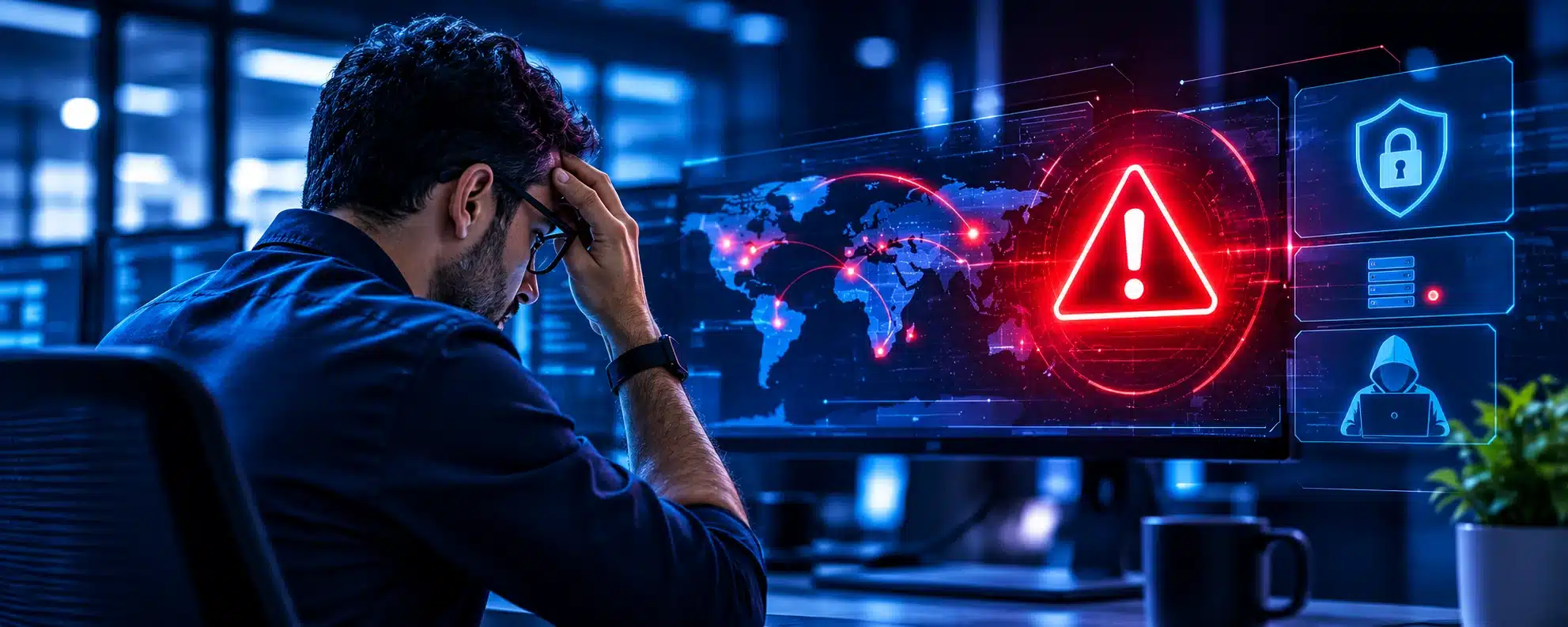

It’s 2:14pm. A laptop in your finance team flags something odd. The user is mid-invoice and has no idea. What happens next decides whether this is a minor incident or a costly breach.
Most small businesses have never seen this process in action. Here is what a well-run response looks like when Endpoint Detection & Response (EDR) and your IT helpdesk work as one team.
Why the first hour matters
Attackers move quickly. Once inside one device, they look for others to reach, passwords to steal and files to lock. Every minute of delay gives them more room.
A fast, practised response keeps the problem small. A slow one turns a single laptop into a business-wide outage.
Minutes 0 to 5: Detection
EDR software sits on every laptop, desktop and server. It watches behaviour, not just known viruses.
If a file starts encrypting hundreds of documents, or a trusted app launches unusual commands, EDR raises an alert straight away. Traditional antivirus checks files against a list of known threats. EDR spots suspicious actions, which is how it catches what antivirus misses.
Minutes 5 to 15: Triage
Not every alert is an attack. Many are false alarms. Someone has to decide which is which, and fast.
With Managed Detection & Response (MDR), a security team monitors alerts around the clock. They check what triggered it, which device and user are involved, and whether the activity is spreading.
Without that, alerts sit in a dashboard until someone notices. That delay is where the damage happens.
Minutes 15 to 25: Containment
If the threat is real, the priority is to stop it spreading. EDR can isolate the device from your network while keeping a secure line open for investigation.
The laptop can no longer reach file servers, email or other devices. The threat is boxed in. Your other staff carry on working, usually without noticing anything.
This is the point where the helpdesk steps in.
Minutes 25 to 35: The helpdesk makes contact
A helpdesk engineer calls the user. No jargon, no blame. They ask:
- What were you working on?
- Did you open an attachment or click a link?
- Did anything look unusual?
They also ask the user to stop work and not restart the device. Restarting can wipe useful evidence.
Users often hold the key clue. If a phishing email is the cause, the team can search for the same message in other inboxes using email security tools and remove it before anyone else clicks.
A helpdesk that knows your people and your setup keeps this call calm and quick. That is why our UK-based engineers in Leigh-on-Sea work hand in hand with our security team.
Minutes 35 to 45: Investigation
Security and helpdesk compare notes:
- How did it get in?
- Has it moved to other devices?
- Is any data affected?
EDR records a timeline of what happened: the file opened, the process launched, the connection made. This turns guesswork into evidence.
The team also checks whether an unpatched weakness was involved. Regular vulnerability management closes those gaps before attackers find them.
Minutes 45 to 60: Clean-up and recovery
Malicious files are removed. Passwords are reset and active sessions are cut off. If the device is clean, it goes back online.
If not, it is rebuilt from a clean image and files are restored from backup. This is why backup matters even when you have strong protection. It is your safety net when something gets through.
The user is back at work, usually with little disruption to the rest of the business.
After the hour: The review
The job isn’t finished when the device is back. You should get a written summary covering what happened, what was affected and what has changed.
The team then fixes the root cause. That might mean patching, staff training or a tighter policy.
A clear incident record also helps with insurers and with Cyber Essentials evidence.
Why EDR and your helpdesk need each other
EDR without a helpdesk detects the problem, but nobody who knows your business acts on it.
A helpdesk without EDR only sees symptoms after the damage is done.
Together, you get a response that is fast, human and accountable. It is also why having one provider for both managed IT support and cyber security matters. There are no hand-offs and no finger-pointing when time is tight.
Common mistakes to avoid
Ignoring alerts. A busy dashboard nobody checks gives a false sense of safety.
Switching the device off. It feels sensible, but it can destroy evidence the team needs.
Blaming the user. Staff who fear blame stop reporting problems. Fast reporting is what saves you.
No plan for remote devices. Home and hybrid laptops are endpoints too. Your protection should follow them.
Skipping the review. Without fixing the cause, the same incident can happen again.
Five questions to ask your IT provider
- Who sees alerts outside office hours?
- Can you isolate a device remotely?
- Who calls my staff, and do they know us?
- Will I receive a written incident report?
- Are home and remote devices covered?
If the answers are vague, you may have a gap.
Every incident is different. The hour above shows a typical flow, not a guarantee.
Not sure how you would cope?
Start with a free IT Health Check. We review your setup, spot the gaps and give you a written report, with no sales pressure.
We support businesses across Essex, London and Billericay. Ready to talk? Contact our team.