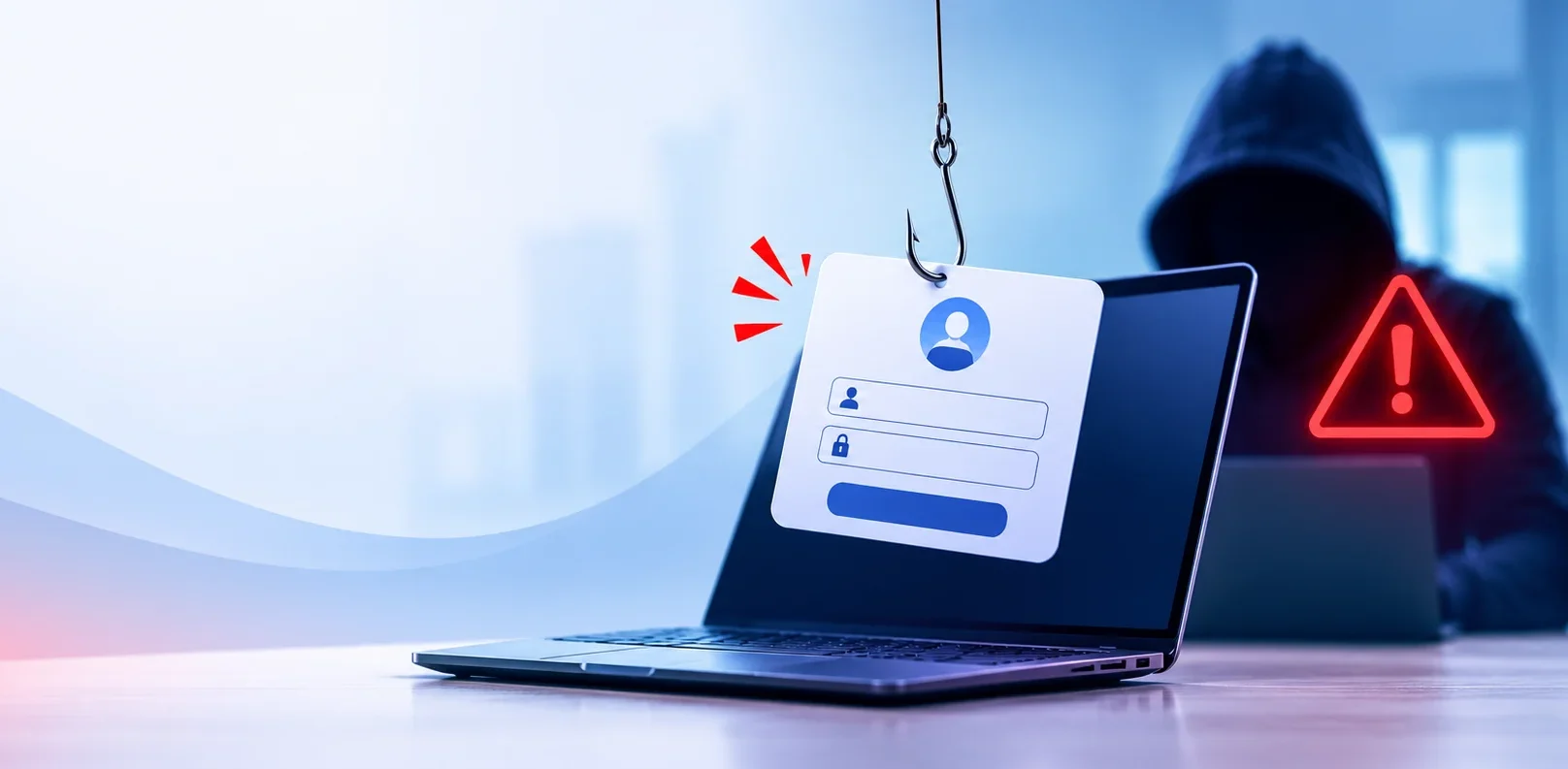

When people picture a cyber attack, they imagine code, firewalls and a hooded hacker. Often the reality is far simpler. Someone pretends to be a person you trust, and you hand over the keys.
A recent UK case shows how easily it can happen.
What happened at ASOS
On 6 October 2026, an unauthorised party gained access to an ASOS employee account. According to a legal sector cyber roundup, the attacker impersonated a trusted contact to obtain the employee’s login details.
ASOS said payment card details and account passwords had not been accessed. The attackers claimed to have reached a cloud data platform, but that provider said it had found no evidence of its own platform being compromised. The investigation was still ongoing at the time of writing.
The details of what was taken matter less than how it started. There was no clever exploit. Someone asked, and someone answered.
Why this works so well
Attackers have learned that people are easier to get past than modern security tools. A convincing message is cheaper than a zero-day exploit.
Across October’s reported attacks, most began with stolen credentials or trusted channels, not with brute force. If an attacker has a real login, they don’t need to break anything. They simply walk in, and many security tools see a normal user.
Common ways logins get stolen
Phishing emails. A message that looks like it’s from Microsoft, your bank or a supplier, with a link to a fake sign-in page.
Impersonation. Someone posing as a colleague, supplier, IT helpdesk or senior manager, by phone, email or message.
Fake urgency. “Your account will be locked in an hour.” “The MD needs this now.” Pressure is the point.
Fake MFA requests. Repeated approval prompts until a tired user taps “Approve” to make them stop.
Reused passwords. A password leaked from one site is tried on your business accounts.
Warning signs your team should know
Staff don’t need to be security experts. They need to spot a few patterns:
- An unexpected request for a password, code or approval
- Pressure to act quickly or keep it secret
- A sender address that is slightly off
- A request that skips your normal process
- A call from “IT” that you didn’t ask for
A simple rule helps: if a request involves logins, money or data, verify it using a separate channel. Call the person back on a number you already have.
Seven practical steps to protect your business
1. Turn on multi-factor authentication everywhere
MFA stops most stolen passwords from being useful on their own. Prioritise email, Microsoft 365, remote access and admin accounts. The NCSC explains how to set up multi-factor authentication in plain English.
2. Use stronger MFA where you can
Text codes are better than nothing, but app-based approvals and security keys are harder to trick. Where possible, use number matching or phishing-resistant methods.
3. Filter the email before it arrives
Most impersonation starts in an inbox. Layered email security blocks phishing, malware and spoofed senders before staff ever see them.
4. Train people, then keep training
One annual video won’t change behaviour. Short, regular reminders and simulated phishing tests work better. The NCSC has useful guidance on spotting and reporting phishing.
5. Make reporting easy and blame-free
If staff fear punishment, they stay quiet. Fast reporting is what limits the damage. Give people one simple way to say “I think I clicked something”.
6. Limit what one login can do
If one account can reach everything, one stolen login is a disaster. Give people access only to what they need, and protect admin accounts more strictly.
7. Watch for what happens after a login is stolen
Even strong defences can be tricked. That’s why monitoring matters. Endpoint Detection & Response (EDR) spots suspicious behaviour on devices, and Managed Detection & Response (MDR) means someone is watching for unusual activity out of hours.
What to do if you think a login was stolen
Act fast and don’t panic:
- Change the password and sign the user out of all sessions.
- Check for unusual mailbox rules, forwarding or new devices.
- Review recent sign-ins for odd locations or times.
- Warn your IT provider immediately.
- Tell colleagues, as the attacker may try them next.
If you’re not sure what to look for, your IT team should be. Our UK-based helpdesk in Leigh-on-Sea works alongside our security team so there’s no delay between spotting a problem and fixing it.
Why the basics still win
Most business owners feel the sheer number of threats is overwhelming. But a handful of basics cover the majority of risk: MFA, filtered email, patched systems, trained staff and good monitoring.
Cyber Essentials is a practical way to put those basics in place, and it shows customers you take security seriously. Pair it with proactive managed IT support and you reduce the chance that one convincing message turns into a serious incident.
Not sure how exposed your logins are?
Start with a free IT Health Check. We’ll review your MFA, email protection and access controls, and give you a clear written report with no sales pressure.
We support businesses across Essex, London and Billericay. Ready to talk? Contact our team.